Your Clipboard,
Evolved
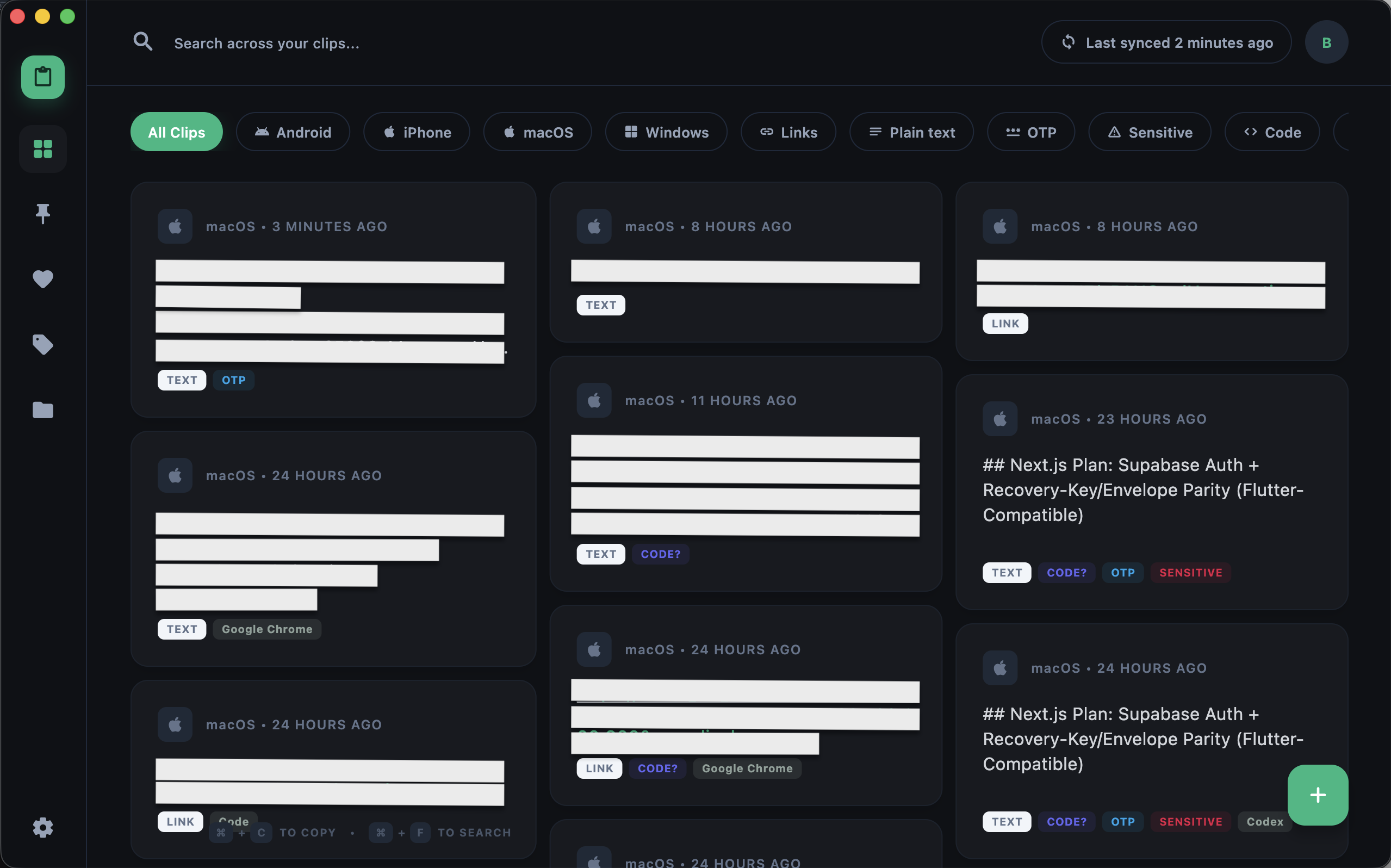
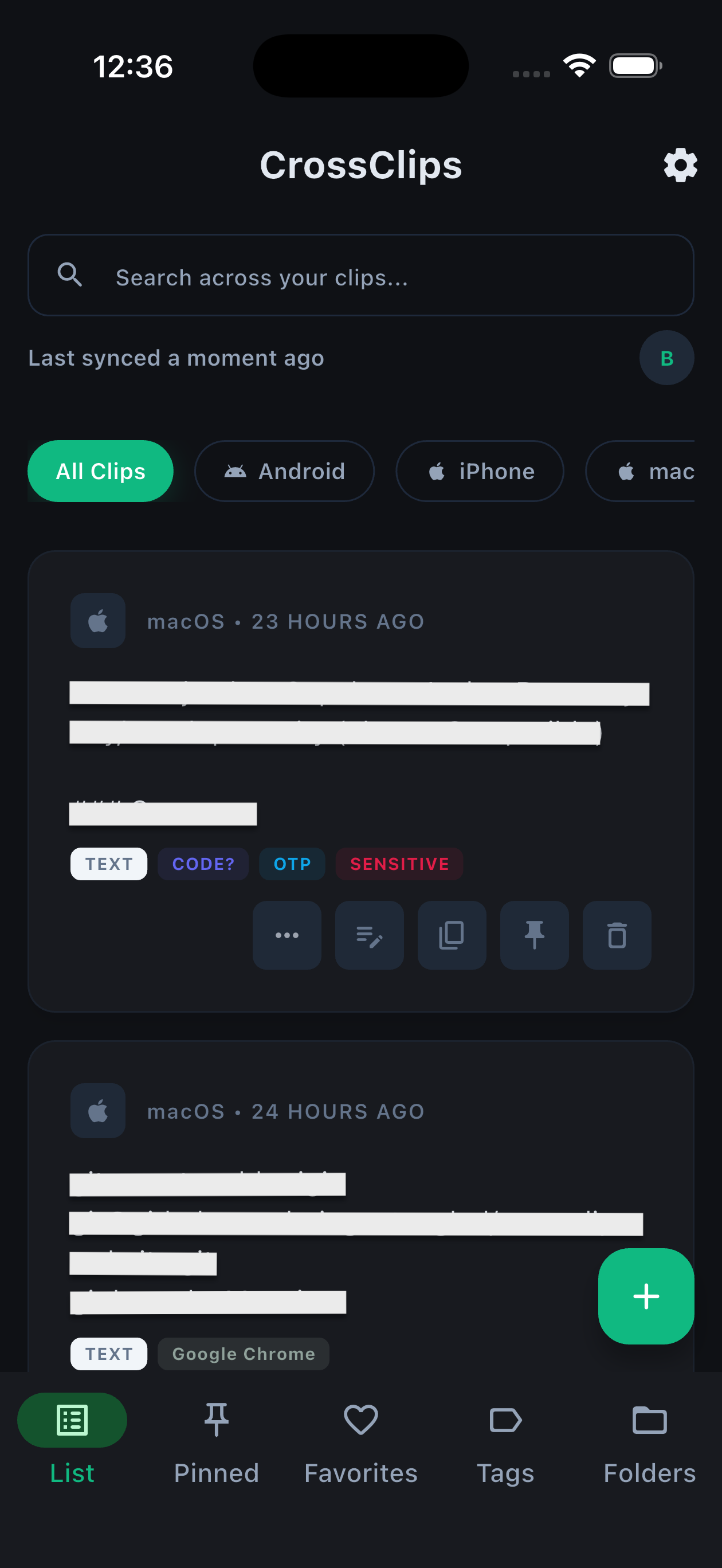
CrossClips combines end-to-end encrypted sync, device-aware handover, source-app-aware history, and local AI-style search in one clipboard workflow.
Clipboard Workflow in 3 Steps
Built around real clipboard capture, encrypted sync, and fast local retrieval instead of generic cloud notes.
Capture
Copy text on any device and CrossClips captures it automatically, with source-app metadata on supported desktop platforms.
Encrypt + Sync
Clip payloads are encrypted on-device before Supabase sync, with recovery-key workflows for password reset recovery.
Retrieve + Handover
Find clips with local AI-style search, organize them with folders/tags, or auto-push copied text to your primary device.
Power Features
Built around encrypted sync, fast retrieval, and device-aware clipboard workflows.
Encrypted Sync + Recovery
Clip text is encrypted on-device before sync, with recovery-key workflows for password resets.
Smart Handover
Designate a primary device and auto-push copied text there while avoiding self-loop handover echoes.
Source-App Aware History
Desktop clips can include source app metadata and support automatic foldering by source app name.
Local AI-Style Search
Hybrid local ranking + heuristics + optional on-device embeddings with no cloud inference required.
Hot Keys + Organization
Favorite hotkey slots, pinned items, tags, and folders help organize and recall clips fast (with subscription gating where enabled).
Encrypted Fingerprints
Encrypted clips can render a pixel-art fingerprint for quick visual verification and recognition.
Encryption + Recovery Workflows
Clip payloads are encrypted on-device before sync, unlocked locally after sign-in, and recoverable with a real recovery-key workflow when passwords change.
End-to-End Encryption
AES-256-GCM encrypted clip payloads with on-device encryption and local decryption after unlock.
Recovery Keys
Recovery keys can re-wrap clip data access after password resets, with copy and file export flows in-app.
Encrypted Fingerprints
Encrypted clips can show a derived pixel-art fingerprint for quick visual verification without exposing plaintext.
Built for Power Users
Fast retrieval, clear device intent, and organization that reflects where clips came from.
Source-App Organization
Desktop clips can carry source-app metadata so folders and context stay visible in history.
Smart Handover
Pick a primary device and route copied text there automatically without loopback echoes.
Feature Access During Beta
Access is plan-based during beta. Organization features and active devices are managed by your plan, while core encrypted sync and local search workflows stay central to the experience.
Core Access
Core clipboard workflows available during beta outside subscription-only feature gates.
- checkEnd-to-end encrypted text sync + recovery-key workflows
- checkSmart handover with primary device routing
- checkLocal AI-style search and signal detection (no cloud inference)
- checkDashboard + clip editor + source-app metadata on supported desktop platforms
- checkText-first clipboard capture today (with rich content support expanding over time)
Subscription Unlocks
Features below require a subscription and an active device session within your plan limits.
- checkPinned items
- checkFavorites (including notes and hotkey slots)
- checkTags
- checkFolders / collections
- checkPlan & Access status, refresh access, and per-feature entitlement visibility